Product promo videos from one photo
KivoHeadShots makes a short product promo video from one product photo: name the product, choose a studio, lifestyle, reveal or social style, and get a 5 or 10 second clip. It costs from 24 credits a run, and new accounts get 10 free credits.
From 24 credits per run
What you need to make a product promo video
- Product photo
- What is the product?
Example: make a product promo video
Made with Promo Video on this site from an AI-generated product photo, not a real brand. Your results depend on your photos and settings.
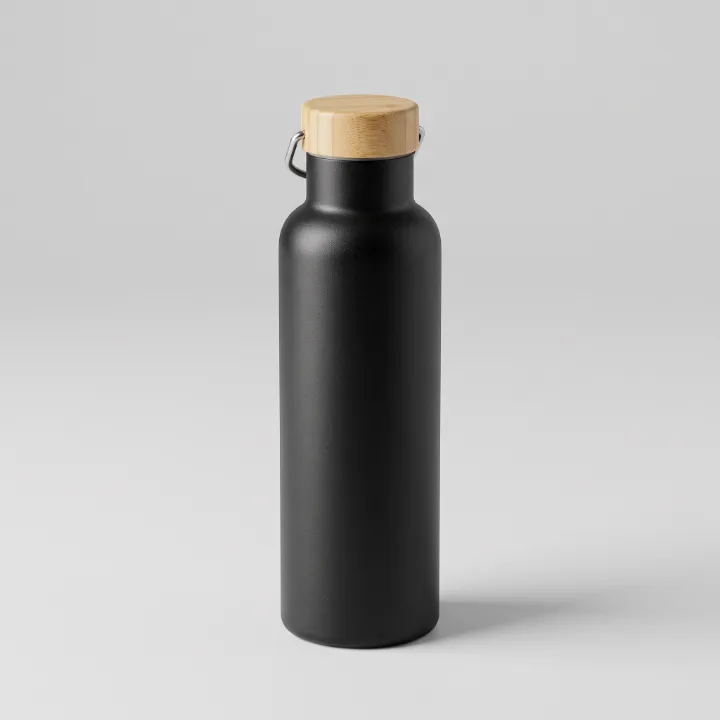
Description typed: “a matte black stainless steel water bottle with a bamboo cap”
Why use our AI promo video maker
Upload a product photo, say what it is and pick a style: studio turntable, lifestyle, dramatic reveal or social ad.
- Four ad styles
- Keeps your product's look and label
- Optional music and sound effects
How to make a product promo video
- 1
Describe your video, or upload the image, video or audio it starts from.
- 2
Choose length, shape and sound.
- 3
Watch and download the finished clip. Videos take a few minutes.
Your uploads are deleted as soon as the run finishes, and never used to train AI. How we protect your photos
Questions about the AI promo video maker
- Will my logo stay correct?
- The AI is told to keep the product exactly as in the photo, but check small text and logos before publishing.
- How long does a video take?
- Usually 2–6 minutes. You can leave the page: the video appears in your history when it's ready.
- What if a video fails?
- If the AI can't finish a job, your credits are refunded automatically.
More ai video tools
- AI Video GeneratorTurn an idea, with or without a starting image, into a video clip.
- Image to VideoBring a still photo to life with natural motion.
- Text to VideoWrite a scene and watch it play out.
- Video MakerCombine up to four images into one connected video.
- Audio to VideoMake a portrait talk or sing along to your audio.
- B-RollCinematic cutaway footage for videos, ads and presentations.